
Part 2: CPUs - The Brain
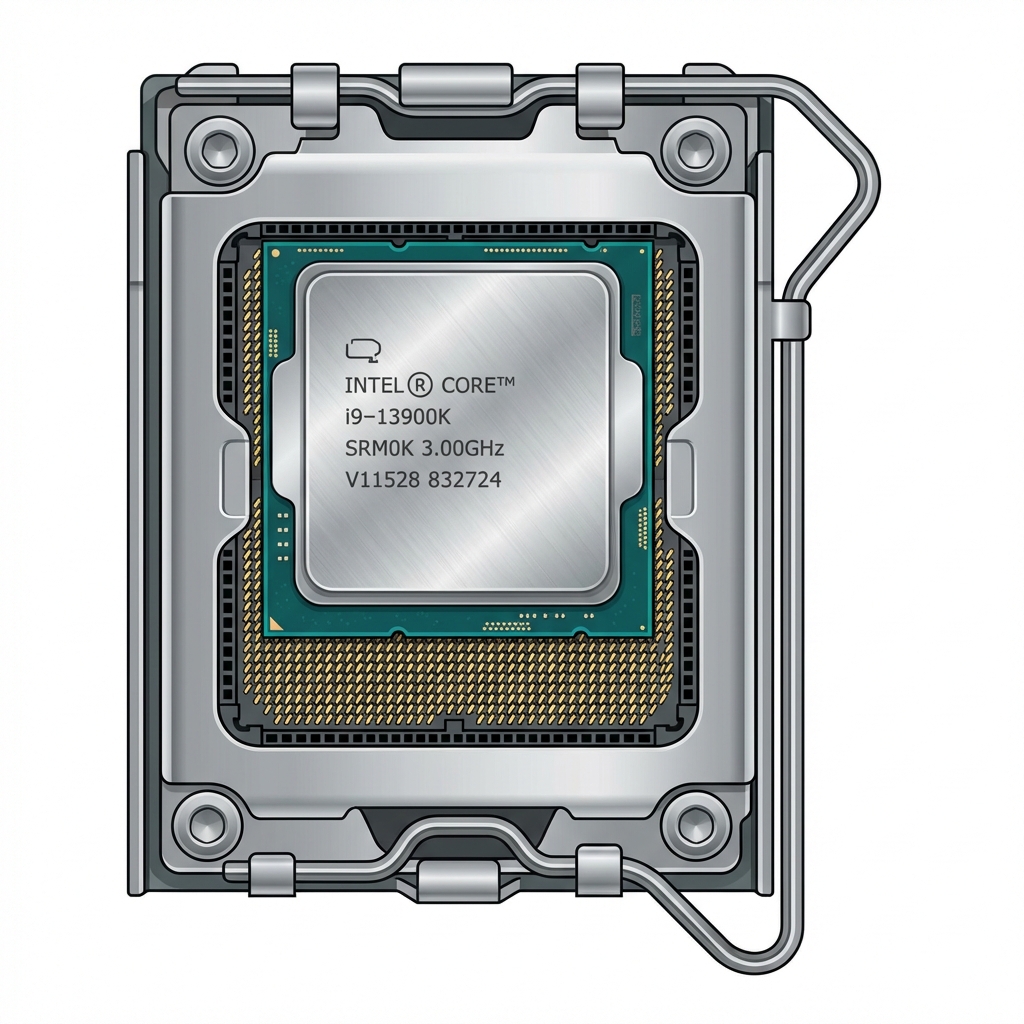
The CPU (Central Processing Unit) is the brain of your computer. Every task - opening programs, browsing the web, playing games - goes through the CPU.
Choosing the right CPU depends on what you'll use your PC for. Let's make it simple.
Understanding CPUs Basics
- Cores: Think of these as multiple brains working together.
- 6 cores: Great for gaming
- 8-12 cores: Better for multitasking and content creation
- More cores = better at doing many things at once
- Clock Speed (GHz): How fast the CPU works.
- 3.5 GHz = 3.5 billion operations per second
- Higher is generally better, but architecture matters more
- Don't just compare GHz between different CPU generations
- Threads: Some CPUs can handle 2 tasks per core.
- 6 cores with threading = 12 threads
- Helps with multitasking and productivity
Intel vs AMD: Which is Better?
Both make excellent CPUs! Here's the simple breakdown:
Intel (i5, i7, i9):
- Slightly better for pure gaming (1-5% difference)
- Runs a bit hotter
- More expensive
AMD Ryzen (5, 7, 9):
- Better value (more performance per dollar)
- Lower power consumption
- Excellent for gaming and productivity
For most people: AMD Ryzen offers better value For pure gaming performance: Intel has a tiny edge
Which CPU Do You Need?
Match your CPU to what you'll do:
Basic Use (web, office, email):
- 4-6 cores
- Intel i3 or AMD Ryzen 3
- Budget: $100-150
1080p Gaming:
- 6 cores minimum
- Intel i5 or AMD Ryzen 5
- Budget: $200-300
- Our pick below ↓
1440p Gaming / Content Creation:
- 6-8 cores
- Intel i5/i7 or AMD Ryzen 5/7
- Budget: $250-400
4K Gaming / Heavy Workloads:
- 8+ cores
- Intel i7/i9 or AMD Ryzen 7/9
- Budget: $400+
Our Recommendations
We recommend one of these excellent mid-range CPUs:
AMD Ryzen 5 7600X (Our Top Pick!)
- 6 cores, 12 threads
- Excellent gaming performance
- Lower power consumption
- Great value (~$230-250)
- Requires: AM5 motherboard (like our MSI B650)
Intel Core i5-14600K
- 14 cores (6 performance + 8 efficiency)
- Slightly better for pure gaming
- Can be overclocked
- Price: ~$300-320
- Requires: LGA 1700 motherboard
Both are excellent! The AMD offers better value and runs cooler. The Intel is slightly faster for gaming.
Cooling Your CPU
CPUs generate heat and need cooling. Don't use the cheap stock cooler!
Our Recommendation: Thermalright Peerless Assassin 120 SE Check Price on Amazon
- Excellent cooling performance
- Very quiet operation
- Easy to install
- Works with both Intel and AMD
- Amazing value at ~$35
This cooler handles mid-range and even high-end CPUs with ease.
Socket Compatibility
CRITICAL: Your CPU must match your motherboard socket!
- AMD Ryzen 5 7600X → Needs AM5 socket (✓ MSI B650 Tomahawk)
- Intel i5-14600K → Needs LGA 1700 socket
Always verify on PCPartPicker.com before buying!
Common Mistakes
- ❌ Wrong socket - CPU won't physically fit
- ❌ Cheap cooling - High-end CPU will overheat and slow down
- ❌ Overkill for needs - Don't buy i9 for web browsing
- ❌ Comparing only GHz - Architecture and generation matter more
Summary
- CPU is the brain - handles all processing
- 6 cores great for gaming, 8+ for content creation
- AMD Ryzen 5 7600X offers best value
- Don't forget a good cooler!
- Always verify socket compatibility
Next: Part 3 - Graphics Cards →
Links in this guide are affiliate links that support our content creation.