
Cloud storage feels like magic until you look at the bill.
A terabyte on Dropbox is about $120 a year. A terabyte on iCloud is $120 a year. OneDrive is bundled with Microsoft 365, which is another $100 a year. Google One is cheaper but still a subscription. If you've got 2 TB of family photos, a Dropbox Plus plan runs you $240 a year, forever, just to keep a copy of files you already own.
And that's before you think about the privacy side. Every file you drop into those services lives on someone else's server, scanned by their systems, backed by their terms of service. For most people, most of the time, that's a fair trade. Dropbox is genuinely convenient and I'm not saying you should rip it out tomorrow.
But if the idea of keeping your files on your own devices — syncing between your laptop, your desktop, your phone, and maybe an old PC in a closet — sounds appealing, there's an open-source tool that does exactly that. It's called Syncthing. It's free. It has no cloud, no subscription, no storage cap, and no company in the middle. And once you've used it for a week, Dropbox starts to feel a little silly.
This isn't a hand-wavy "you should self-host everything" post. Syncthing has tradeoffs, and I'll be honest about them. But it solves a very specific problem very well, and most people who try it end up keeping it around.
What Syncthing actually does
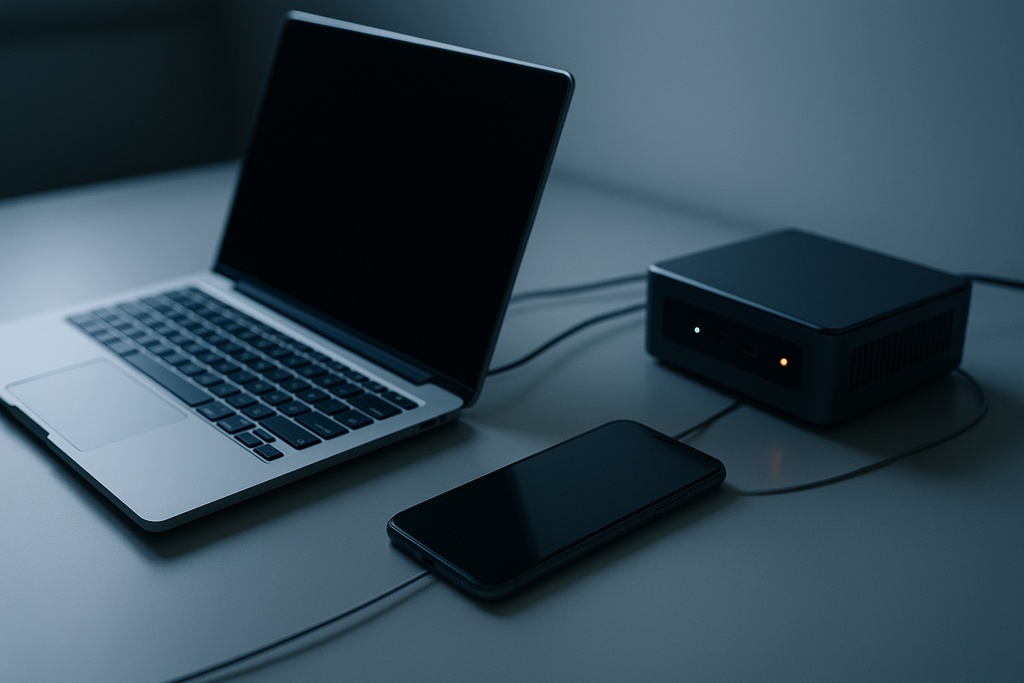
Imagine you have a folder on your laptop called documents. You also have a folder on your desktop called documents. You want them to always have the same files in them. Any time you change a file on one, you want the other to update.
That's what Syncthing does. You install the app on each device, tell it about a folder, tell it which other devices that folder should sync to, and it quietly keeps them all in sync in the background. Forever.
The important word is peer-to-peer. There's no central server. Your laptop talks directly to your desktop. Your phone talks directly to your laptop. If both machines are on the same Wi-Fi, they sync at local network speeds, which is way faster than any cloud service could give you. If they're on different networks, Syncthing uses a relay server (there's a free public pool) to forward encrypted traffic between them, and you still don't need to mess with port forwarding or a VPN.
Every file you sync is encrypted in transit. The relay servers never see what you're syncing — they just forward encrypted blobs. Nothing Syncthing touches is stored unencrypted anywhere except on your own devices.
What it's good for
Not everything needs to be in Syncthing, but a few specific use cases are where it shines:
- Keeping documents in sync between two computers. The classic laptop-plus-desktop case. Edit a file on your laptop, walk over to your desktop, it's already there.
- Photos from your phone to your computer. Point Syncthing at your phone's camera folder and every photo you take automatically copies itself to your computer. No iCloud, no Google Photos, no upload queue.
- A shared folder between family members. Each family member runs Syncthing, you set up one folder with everyone's devices listed, and now you have a family Dropbox that lives on your own hardware.
- Backups. You can have a second copy of your important files on a Raspberry Pi or an old laptop in a closet. As soon as a file changes on your main machine, a copy lands on the backup device within seconds.
- Keeping notes and code in sync. If you use Obsidian, a code folder, or any kind of text-based tool, Syncthing is perfect. Files are small, changes are fast, and you never hit a rate limit.
What it's not good for
Let me save you some frustration:
- It's not a shareable-link service. You can't give someone a URL and have them download a file. For that, use Firefox Send (rest in peace), Wormhole, or just email an attachment.
- It's not a backup in the disaster sense. If you delete a file on one device, Syncthing dutifully deletes it everywhere. Versioning helps (more on that in a minute), but for real disaster recovery you still want a proper backup tool like Restic or Borg.
- It's not great on a phone you want to run on battery. Syncthing on Android works, but if you leave it running all day it nibbles at your battery. Most people set it to sync only on Wi-Fi and only when plugged in.
- It doesn't solve the "access my files from anywhere" problem unless those files are already on a device you own. If all your machines are off, there's nothing to sync with. This is where a Raspberry Pi in a closet becomes useful — it's always on, so your phone can always reach it.
Setting it up
Installation is refreshingly boring. Download the Syncthing app from syncthing.net for your platform — Windows, Mac, Linux, Android, or a Docker image for your Raspberry Pi. On Mac the nicest option is the Syncthing Tray app; on Windows it's Syncthing Tray for Windows or SyncTrayzor; on Linux it's a systemd service. Install it and launch the admin UI, which runs in your browser at http://localhost:8384.
The UI has three concepts:
- Devices. Each device Syncthing runs on has a unique ID — a long string of letters and numbers. To connect two devices, you paste each one's ID into the other. That's the pairing step.
- Folders. On each device, you add folders you want to sync. Each folder has an ID (which you pick) and a path (where it lives on disk). When you add a folder on one device, you tell Syncthing which of your other paired devices should also have it.
- Ignore patterns. Each folder can have a
.stignorefile that lists files and patterns to skip. Useful for keeping.DS_Store, build outputs, and yournode_modulesfolder out of the sync.
That's the whole mental model. Devices know about each other. Folders live on devices. When you add a folder to a device, you pick which other devices should get it.
Turn on file versioning
The one feature you should absolutely enable on every folder is file versioning. When you edit a file, Syncthing keeps the previous version tucked away in a hidden folder. If you accidentally delete something or corrupt a file, you can walk back to an older copy.
In the folder settings, go to the File Versioning tab and pick Staggered File Versioning. The default settings are sensible — it keeps more recent versions and fewer old ones, with a cap on total disk use per folder. This single toggle is the difference between "I accidentally deleted a file" being a minor annoyance and being a disaster.
A Pi makes it way better
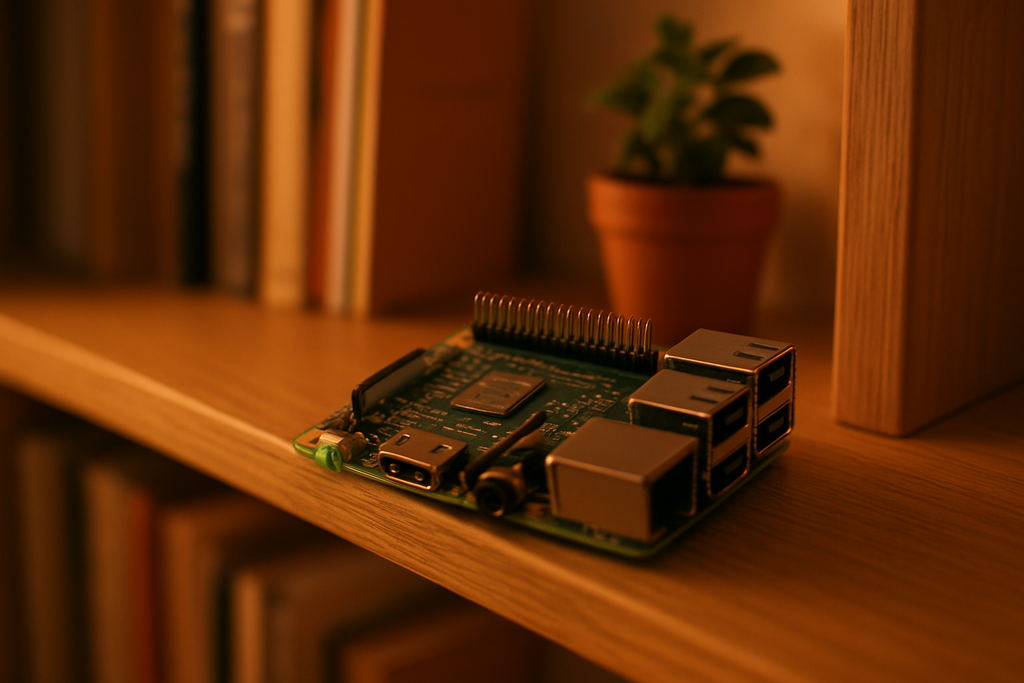
If you have a Raspberry Pi (even an old Pi 3 or 4), adding it to your Syncthing setup is a huge upgrade. The Pi stays on 24/7, which means it's always available to sync with. Your phone takes a photo, the phone pushes it to the Pi immediately, the Pi holds it until your laptop comes online and pulls it. You don't have to have two active devices at the same time to sync.
Running Syncthing on a Pi is as simple as installing the official .deb package (sudo apt install syncthing) and enabling the service (systemctl --user enable syncthing). Give it a USB drive for storage, point it at your sync folders, and you've built yourself a personal, always-on, zero-subscription Dropbox replacement for the cost of a Pi and a USB hard drive.
The honest take
Syncthing isn't going to replace cloud storage for everyone. If you need shareable links, if you need to access a file from a random computer at a friend's house, or if you want zero configuration — Dropbox is still easier.
But if you have two or more computers, a phone, and maybe a Raspberry Pi sitting around, Syncthing gives you a file sync system that's faster on local networks, free forever, and doesn't put your files on someone else's server. It's one of those tools that feels magical after you set it up because it just works, in the background, with no ceremony.
I've been running it across five devices for two years. I've never had a sync conflict I couldn't resolve. I've never lost a file thanks to versioning. I've never paid a cent for the privilege. Hard to argue with that.
What to do next
- Install Syncthing on your main laptop and one other device (desktop, phone, or Pi).
- Pair the two devices by copy-pasting their IDs into each other.
- Set up one folder to sync between them and watch it work.
- Turn on staggered file versioning on every folder you add.
- If you already have a Raspberry Pi running, install Syncthing on it and make it your always-on sync hub.
If you hit a snag, the Syncthing community forum is genuinely one of the best-run open-source forums I've seen. Post your issue, include the logs, and you'll usually have a helpful answer within a day.